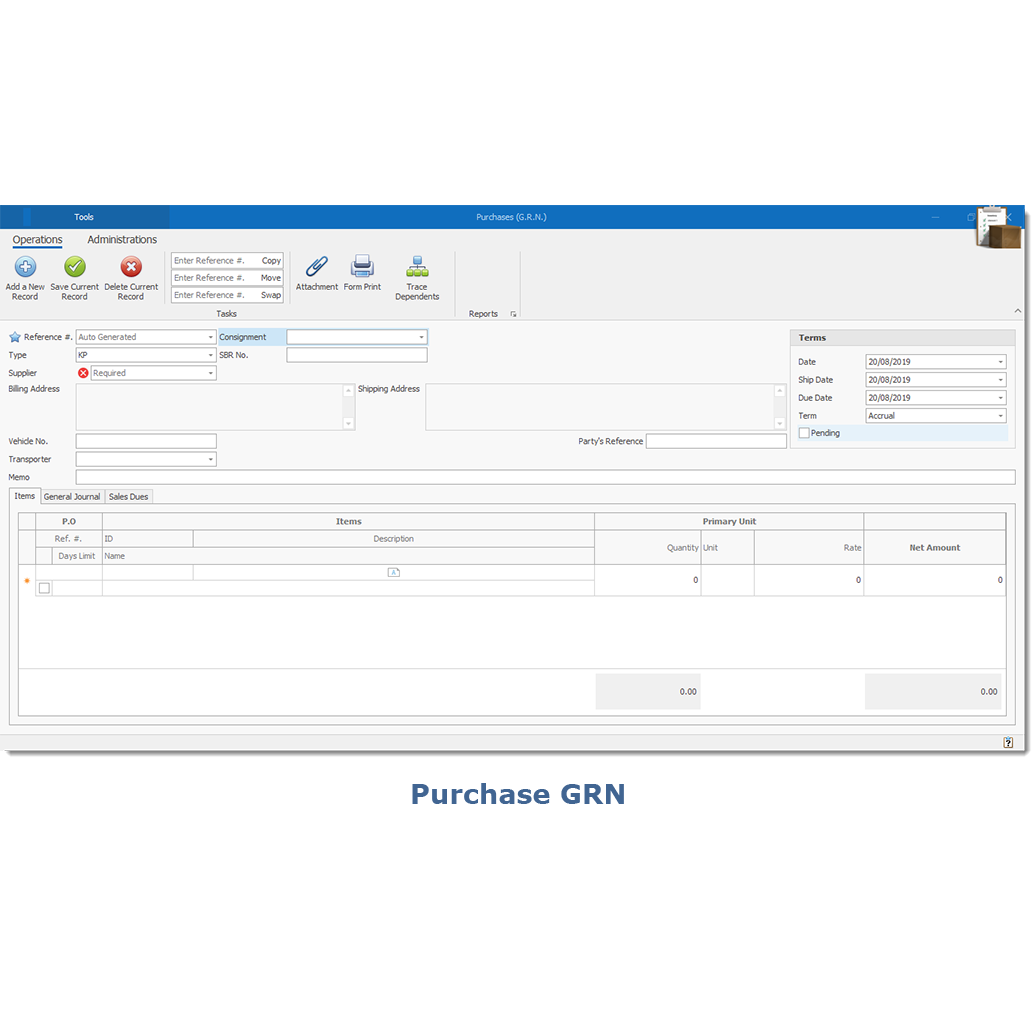

SynaCX ERP
Features
Integration
Automation
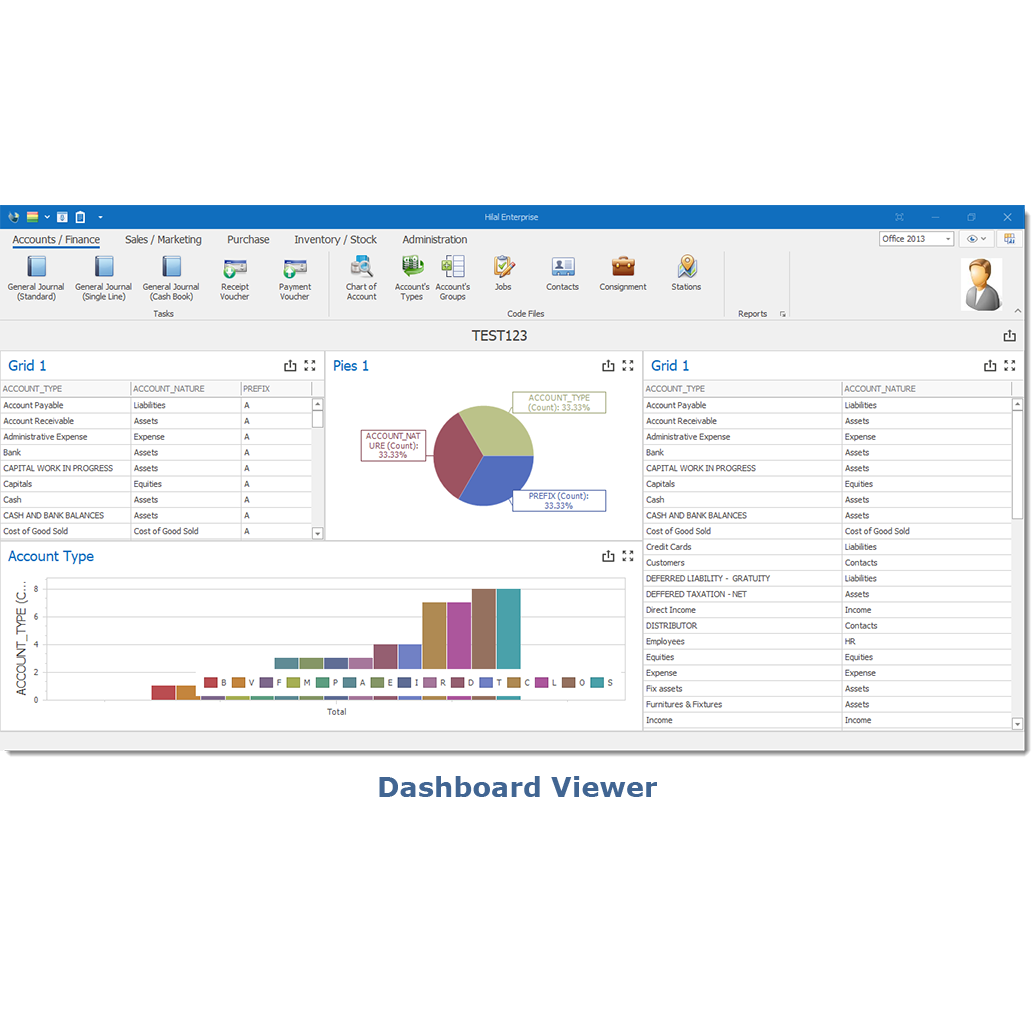
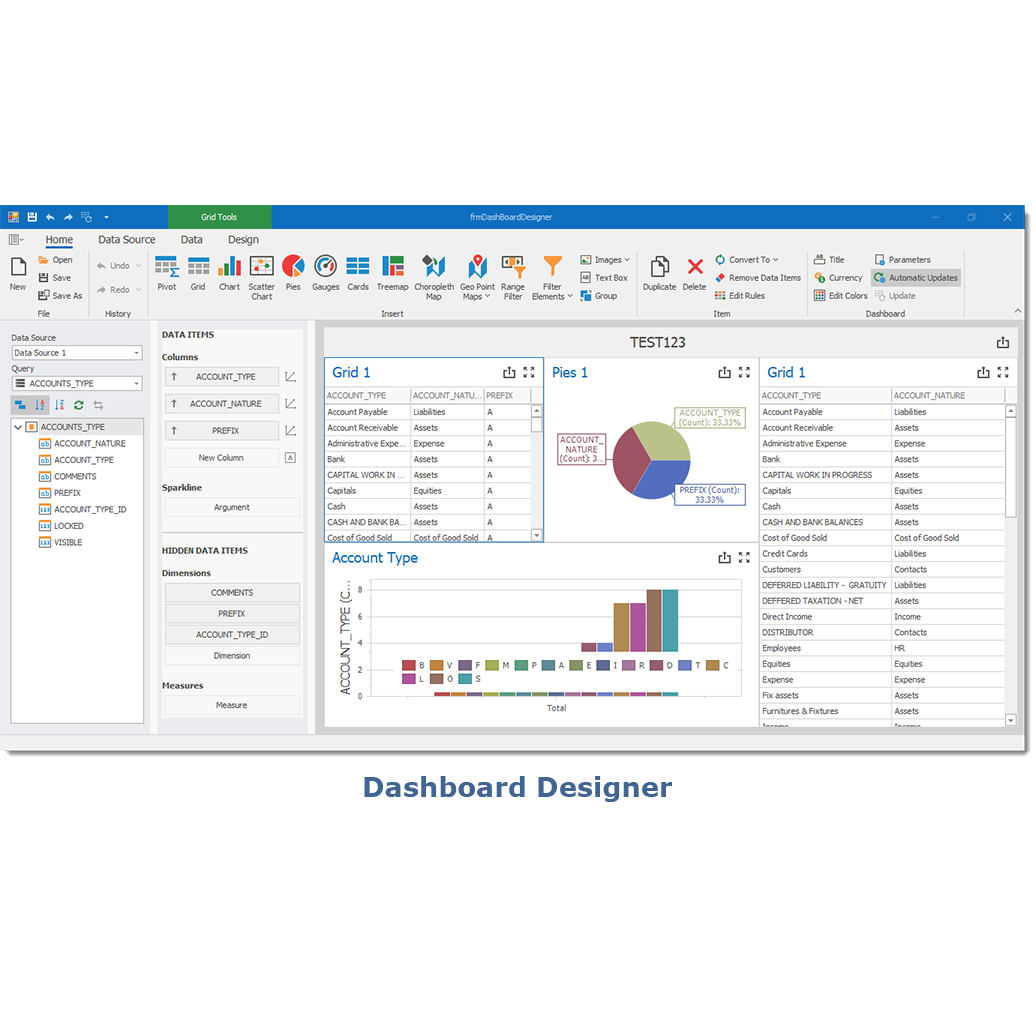
Dashboard
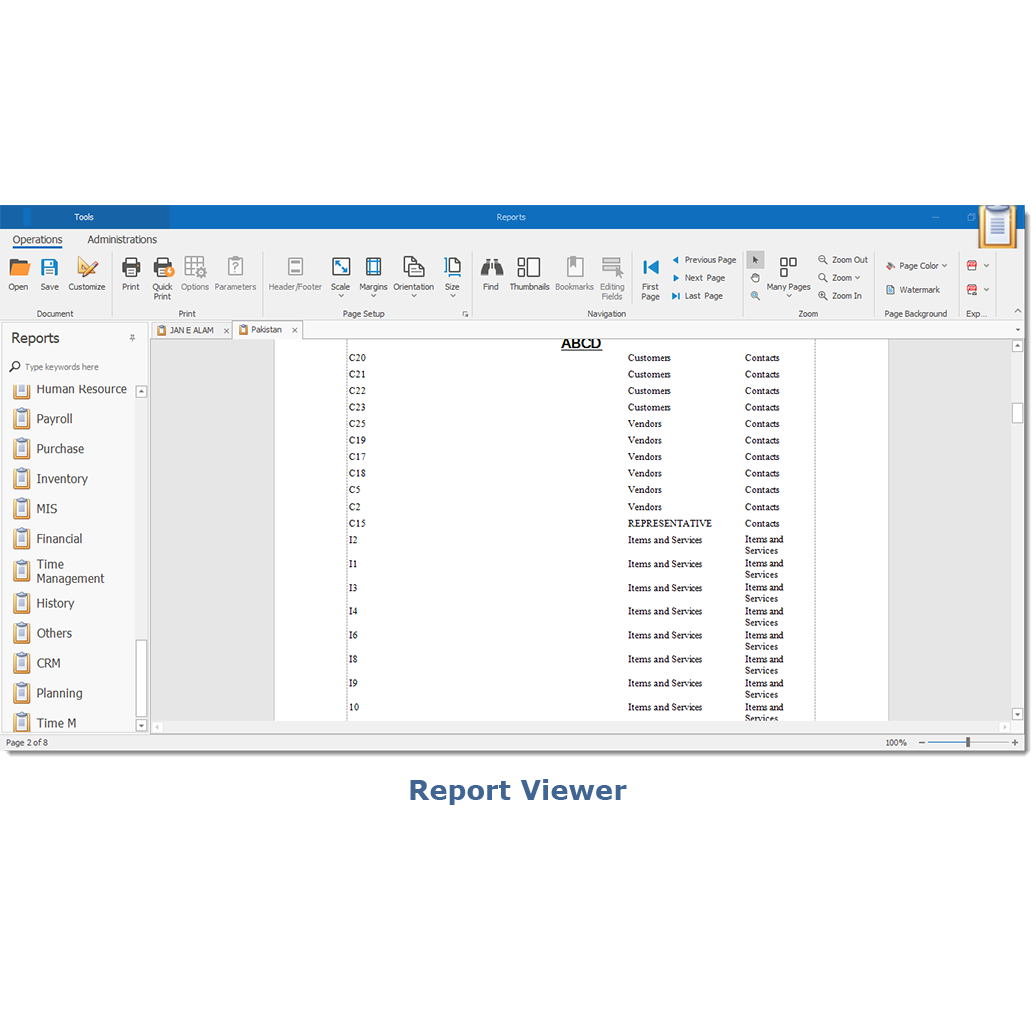
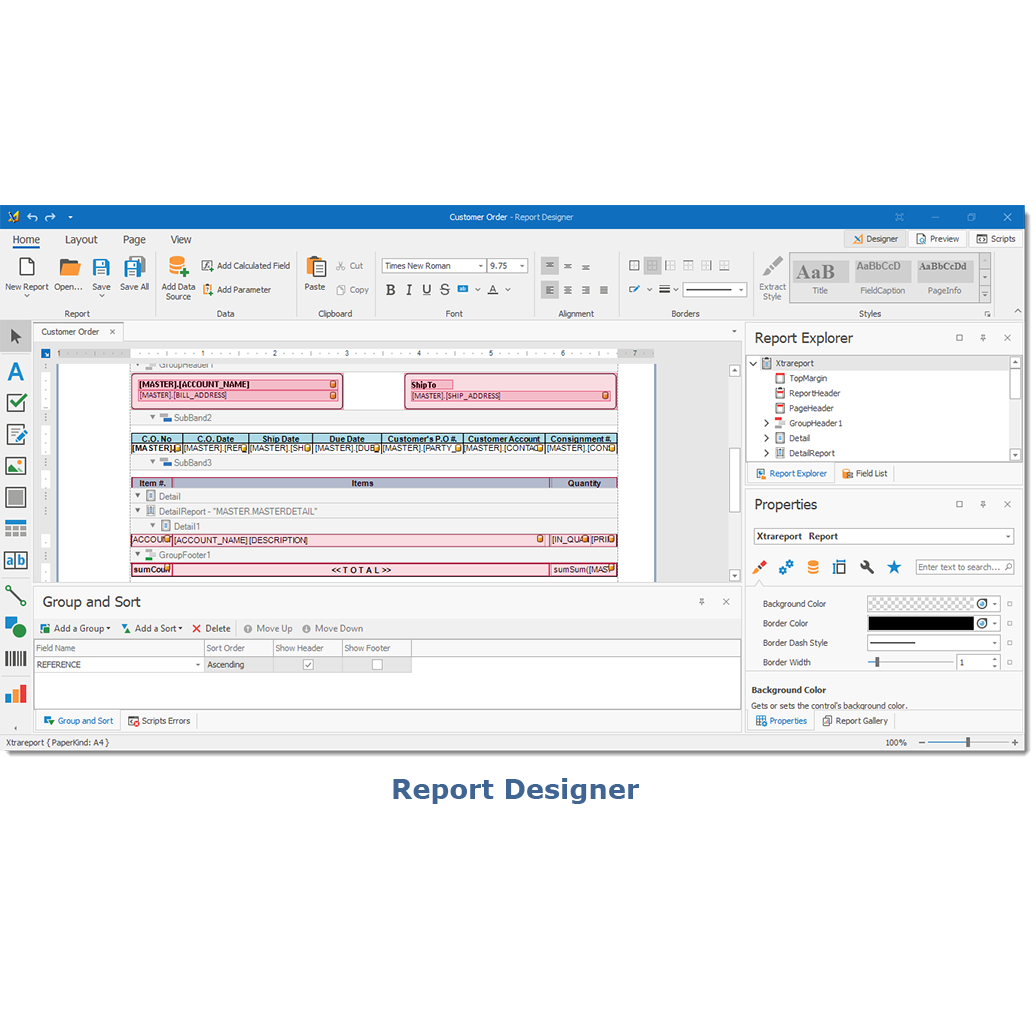
Reporting
User-Level Customized Forms Layout - UI
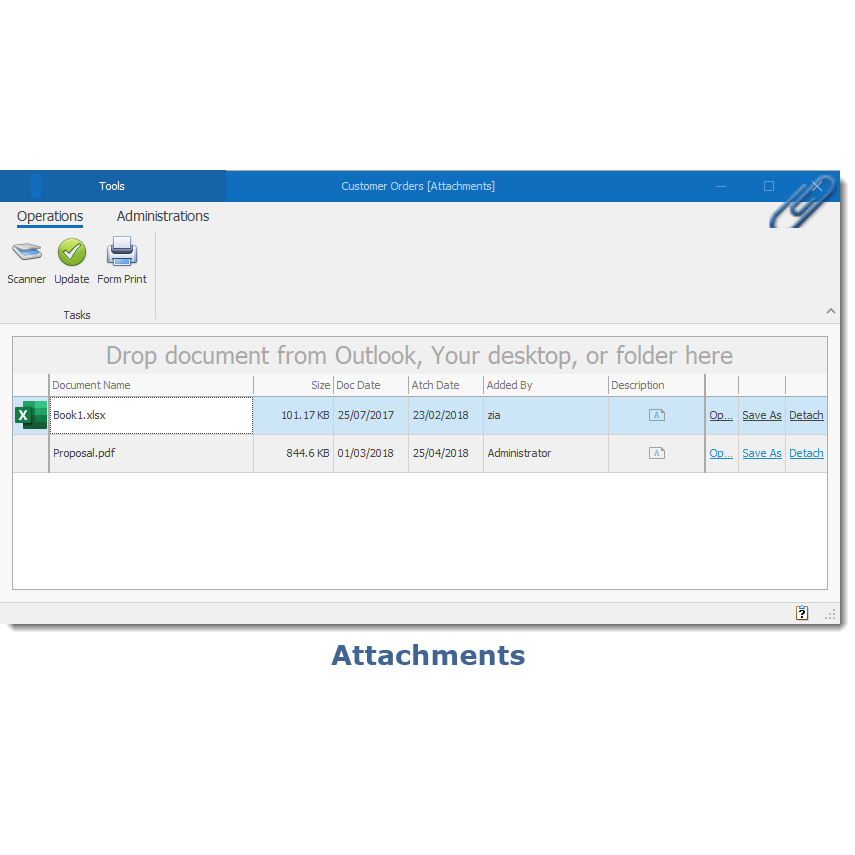
Document Server
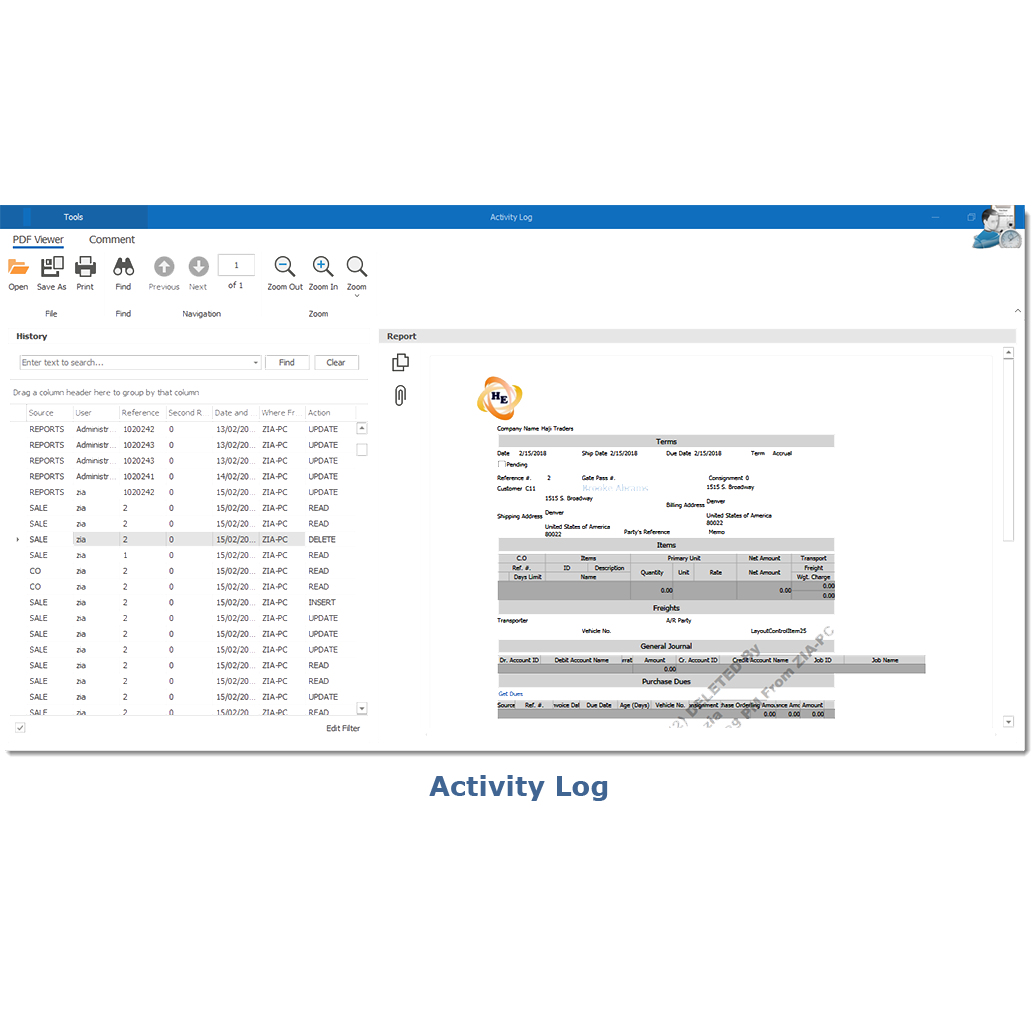
Activity Log With Proof Documentation
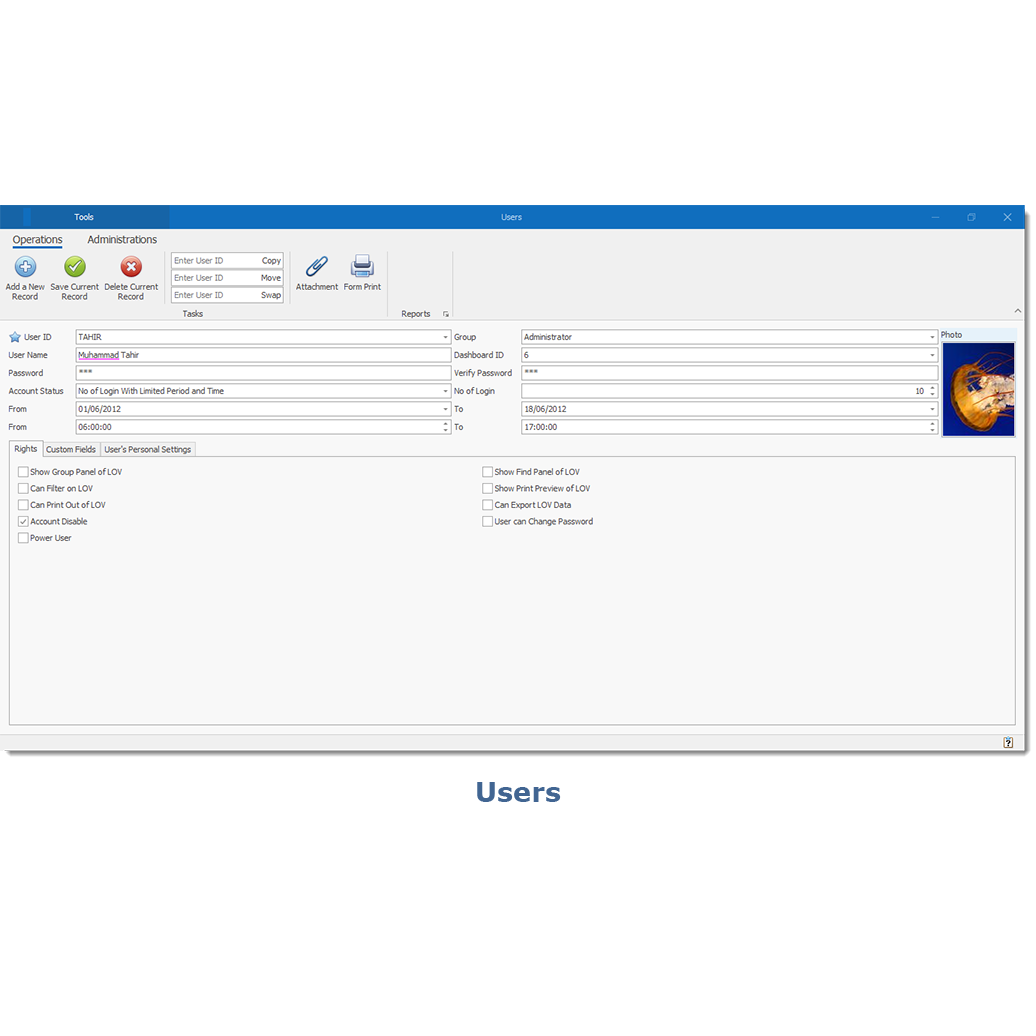
Users And Permissions
Other Features
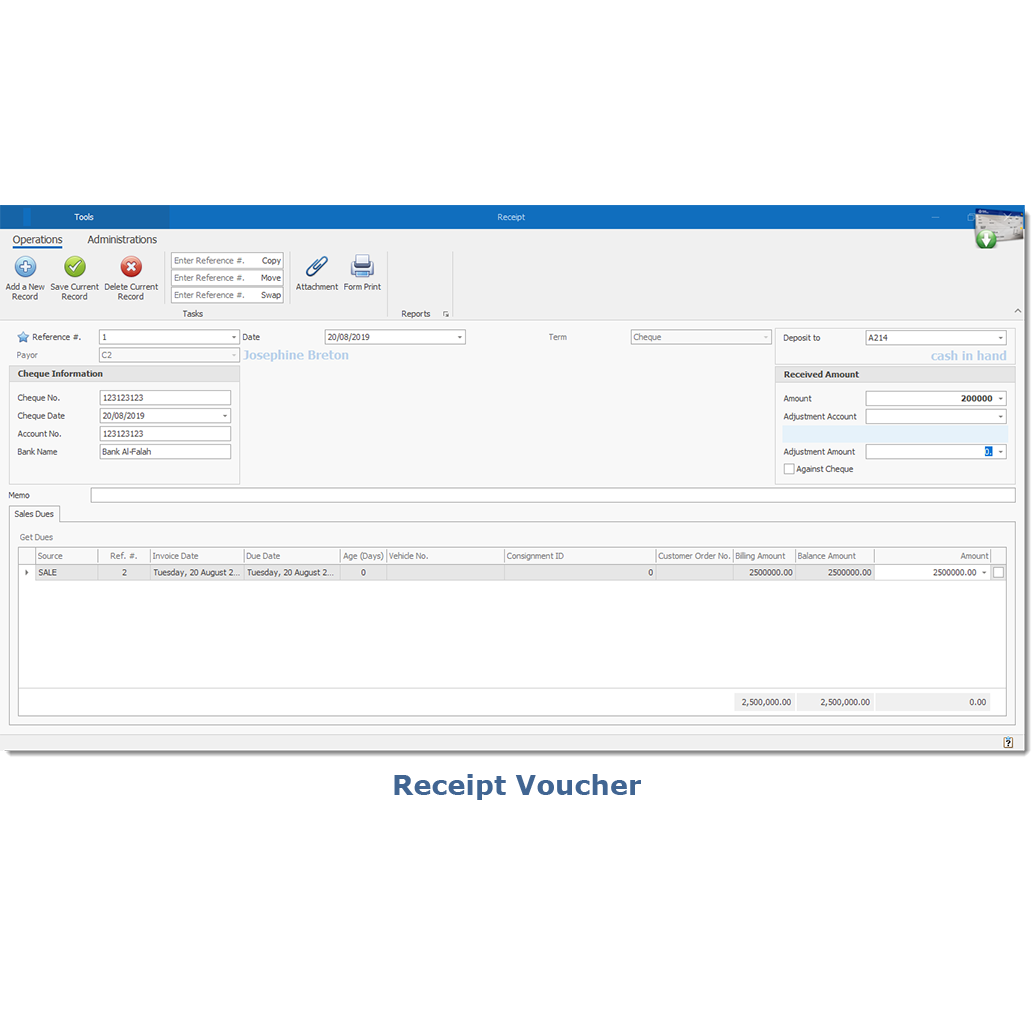
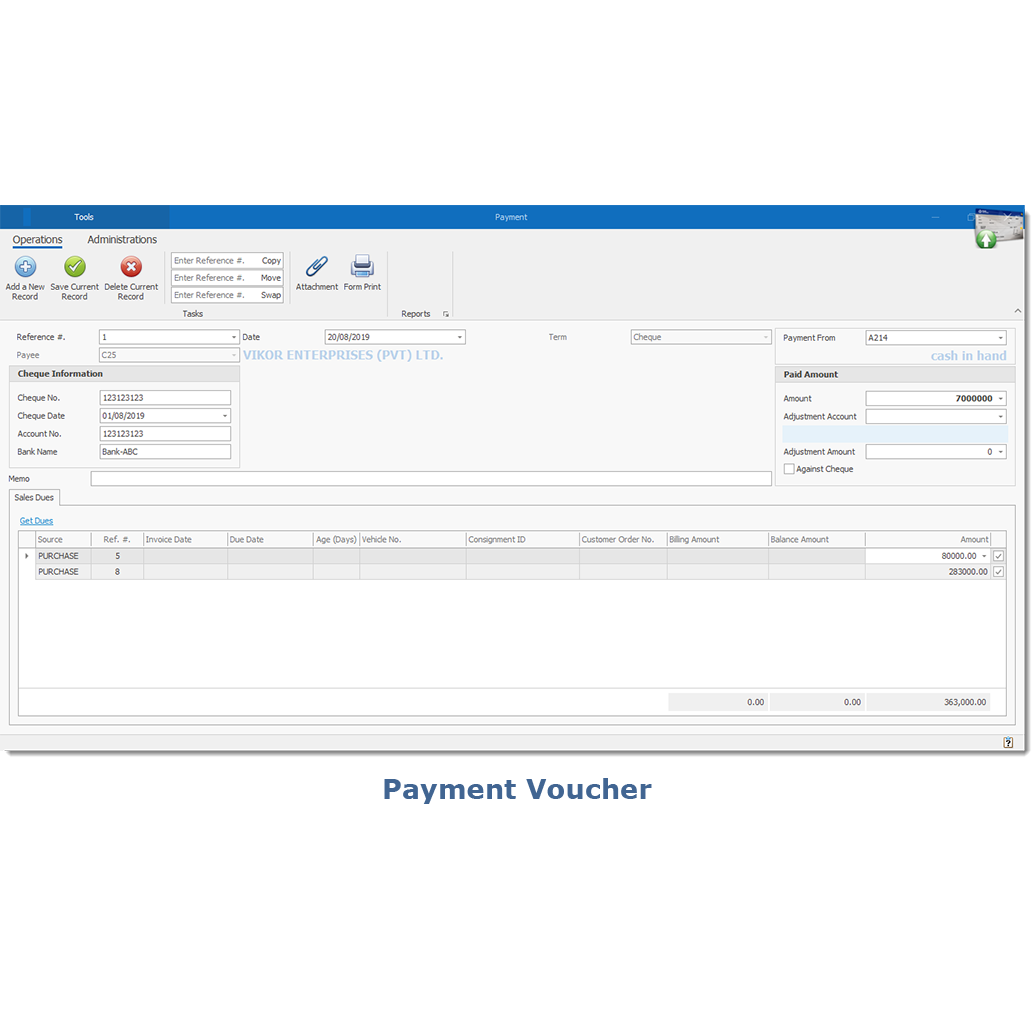
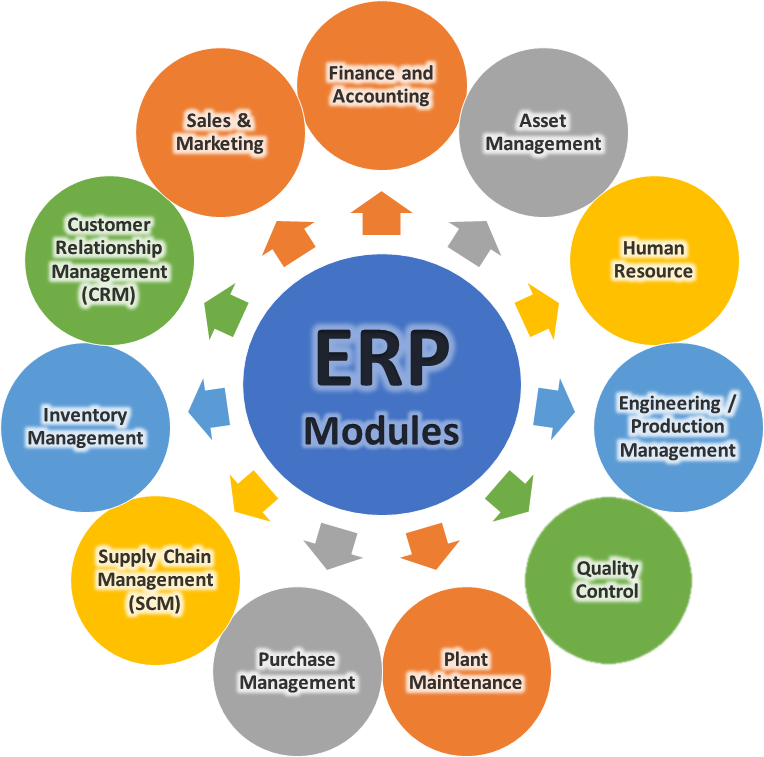
Finance & Accounting
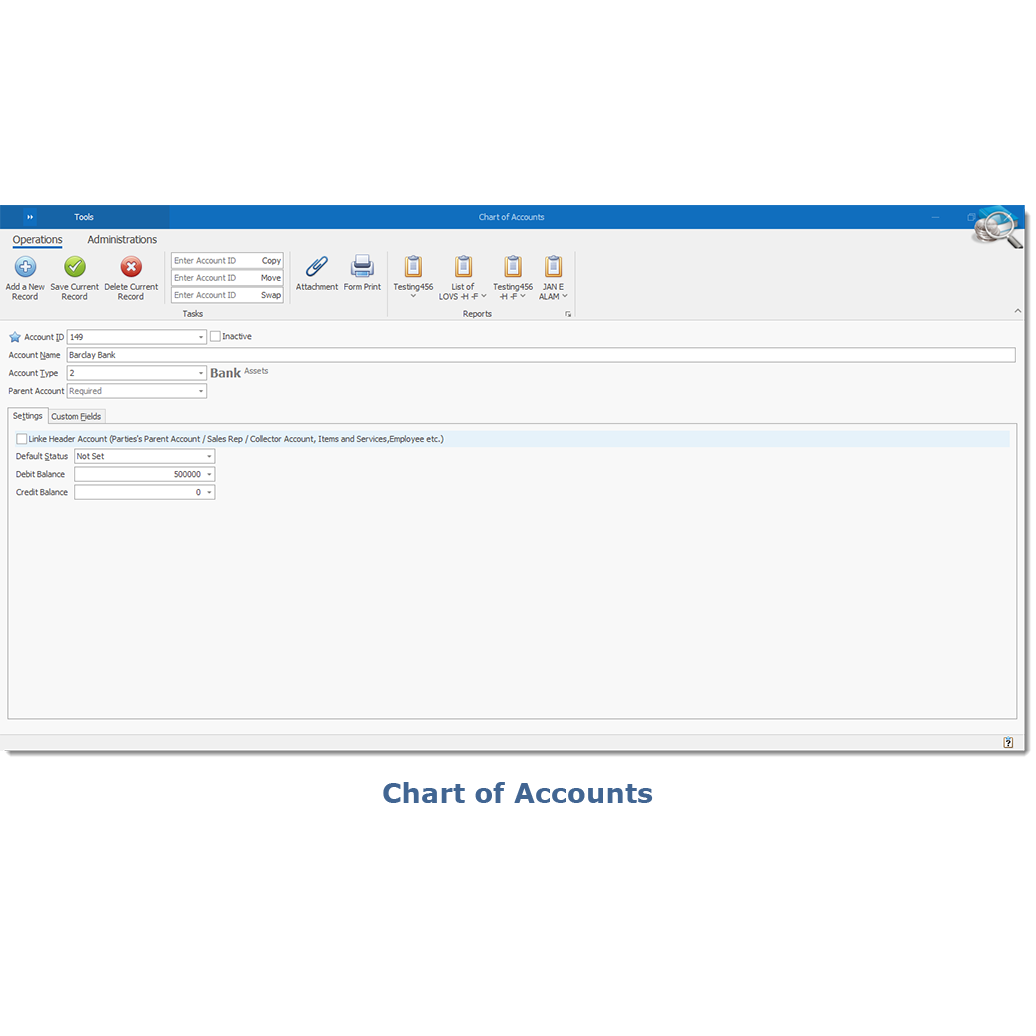
Financial Accounting
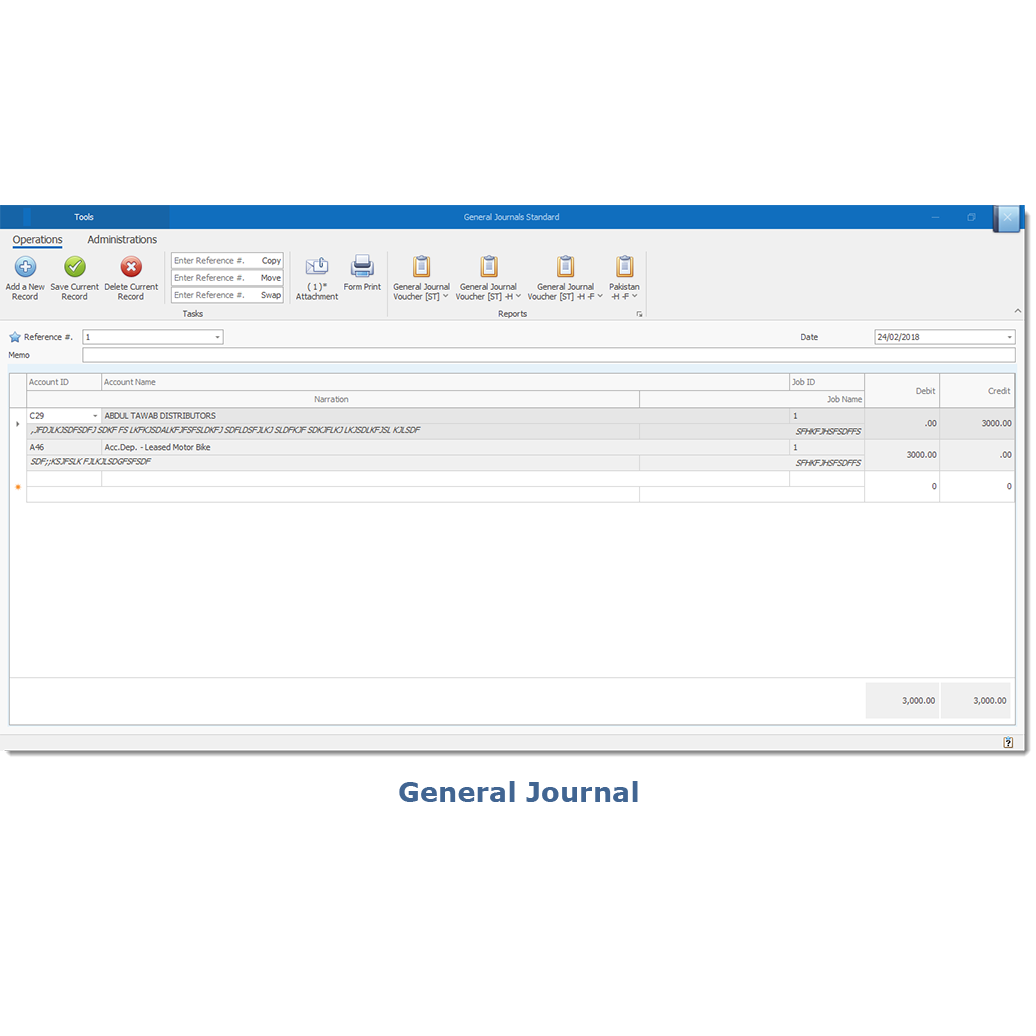
General Ledger
Accounts Receivables
Accounts Payable
Fixed Asset Management
Cash Management
Bank Management
Costing and Cost Planning
Expense Management
Invoice Tracking
Profit Tracking
Budgeting
Audits
Controlling
Financial Dashboard
Trial Balance
Profit and Loss
Acccount Statement
Balance Sheet
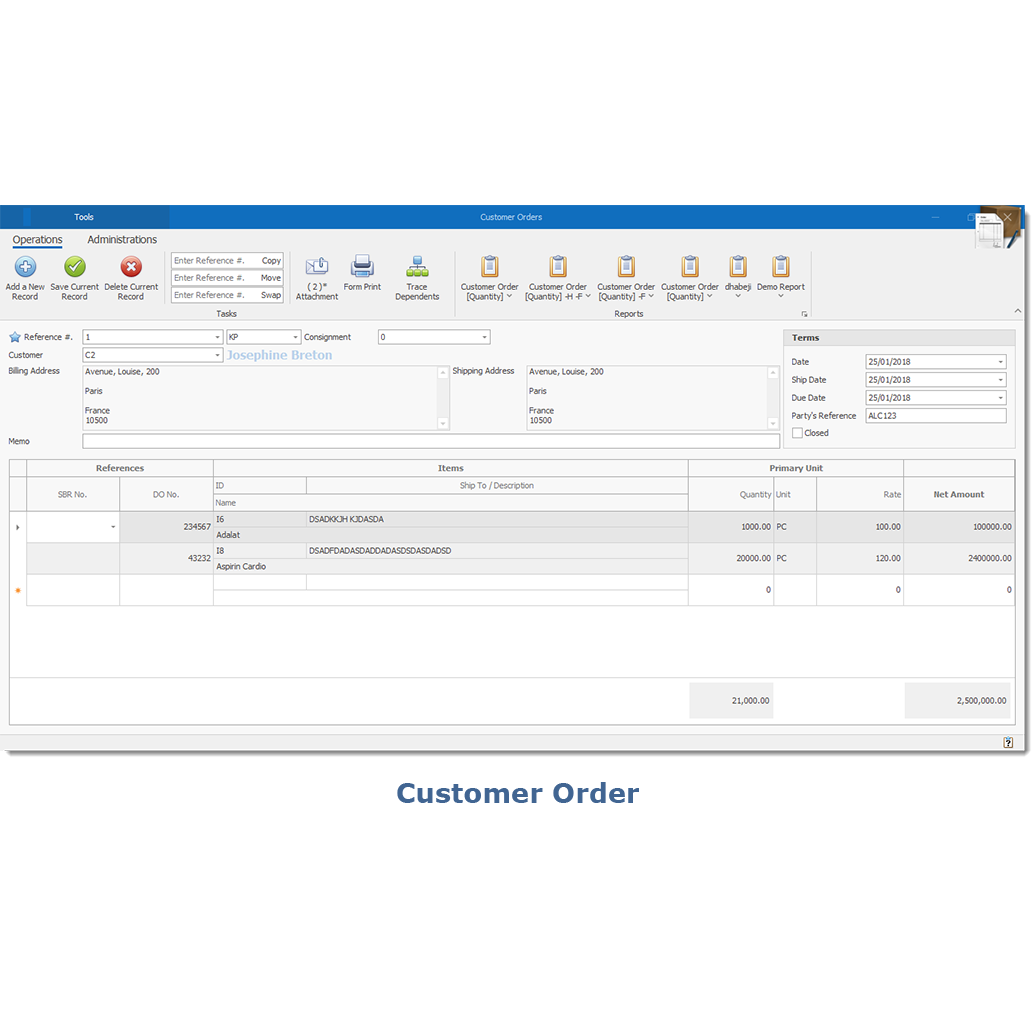
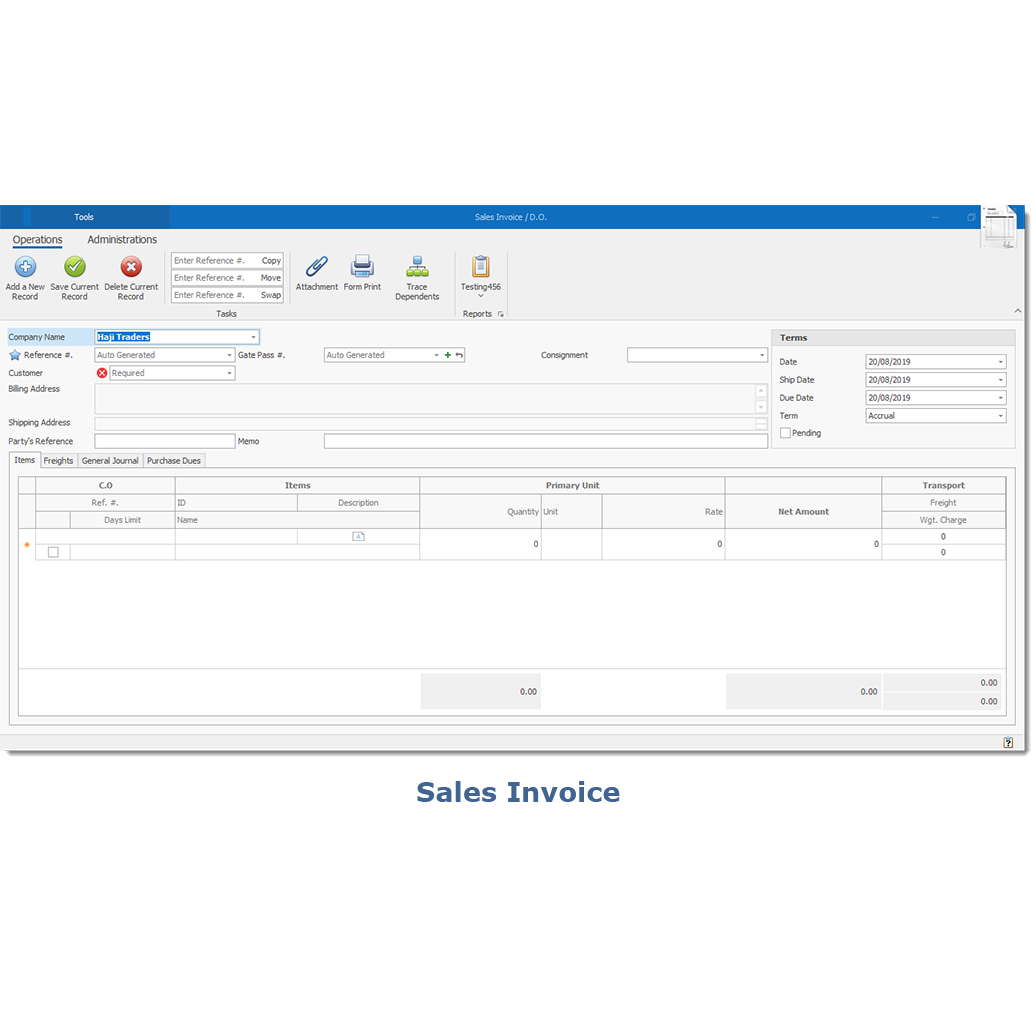
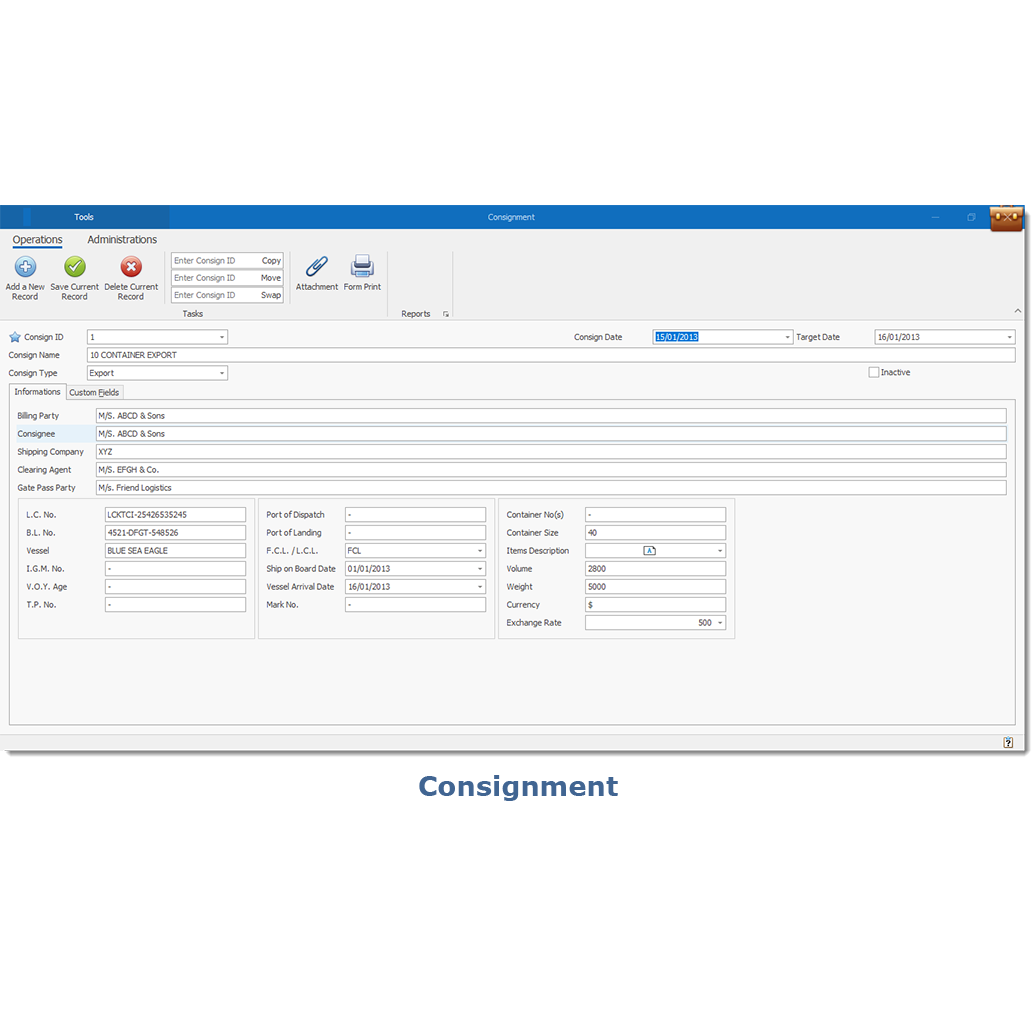
Sales & Marketing
Quotation
Sale Order
Order Scheduling
Multiple Delivery / Dispatch Note
Sales Invoice
Sale Tax Invoice
Sales Return
Cash Sale
Sale Against Purchase
Account Receivale
Sales Representative Progress
Area Sales
Distribution requirement planning
Sale Pricing Control
Billing Terms and Condition
Invoice Aging
Integration of CRM module
Stock Transfer between warehouses for multi-location companies
Backlog
CRM - (customer relationship management)
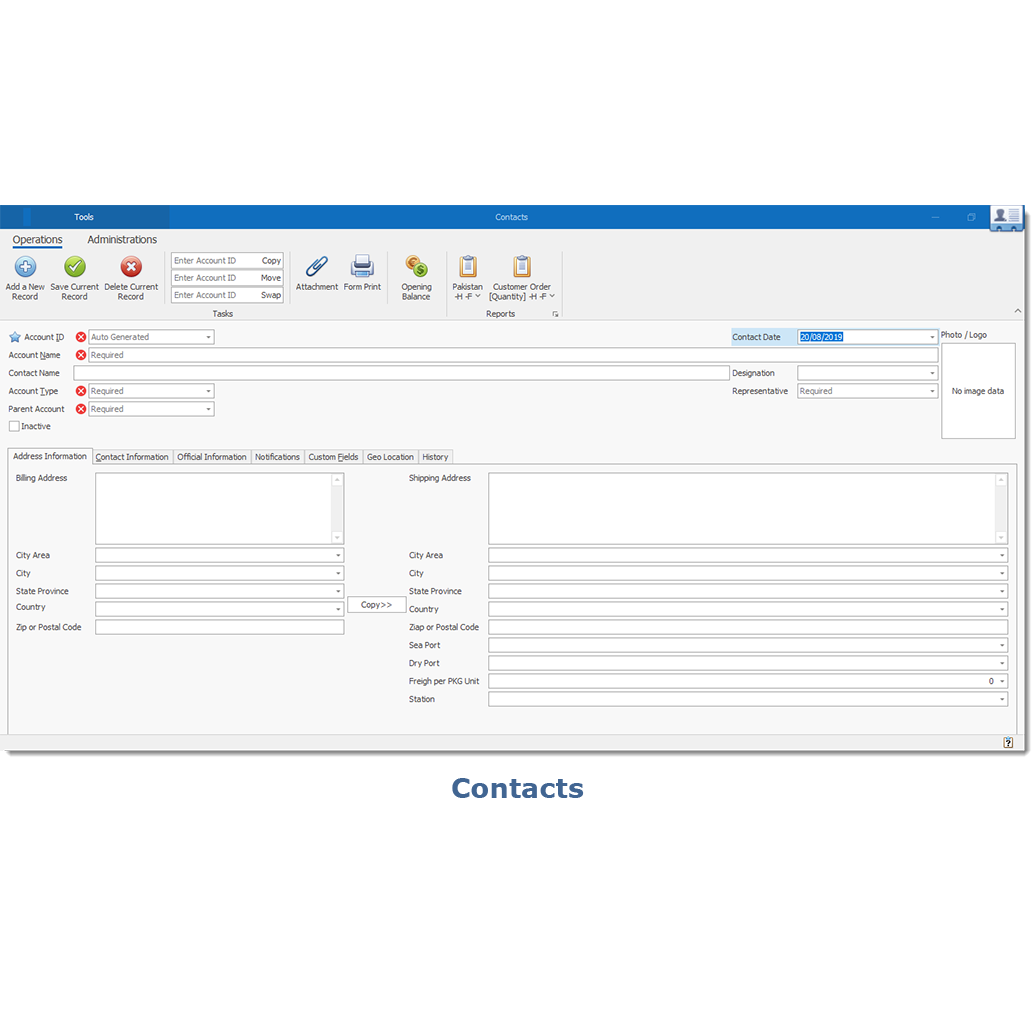
Contact management
Analytics and reporting
Lead management
Deal and task management
Dashboards
Mobility
Calendar integrations
Email tracking
Workflow automation
Quote and order managements
Project management
Marketing automation
Social media management
Product configuration
Email marketing functions and email automation that tailor campaigns.
Automation activities pushed to contact database.
Email templates and tracking analytics.
Segmentation of leads to help build targeted campaigns.
Inventory Management
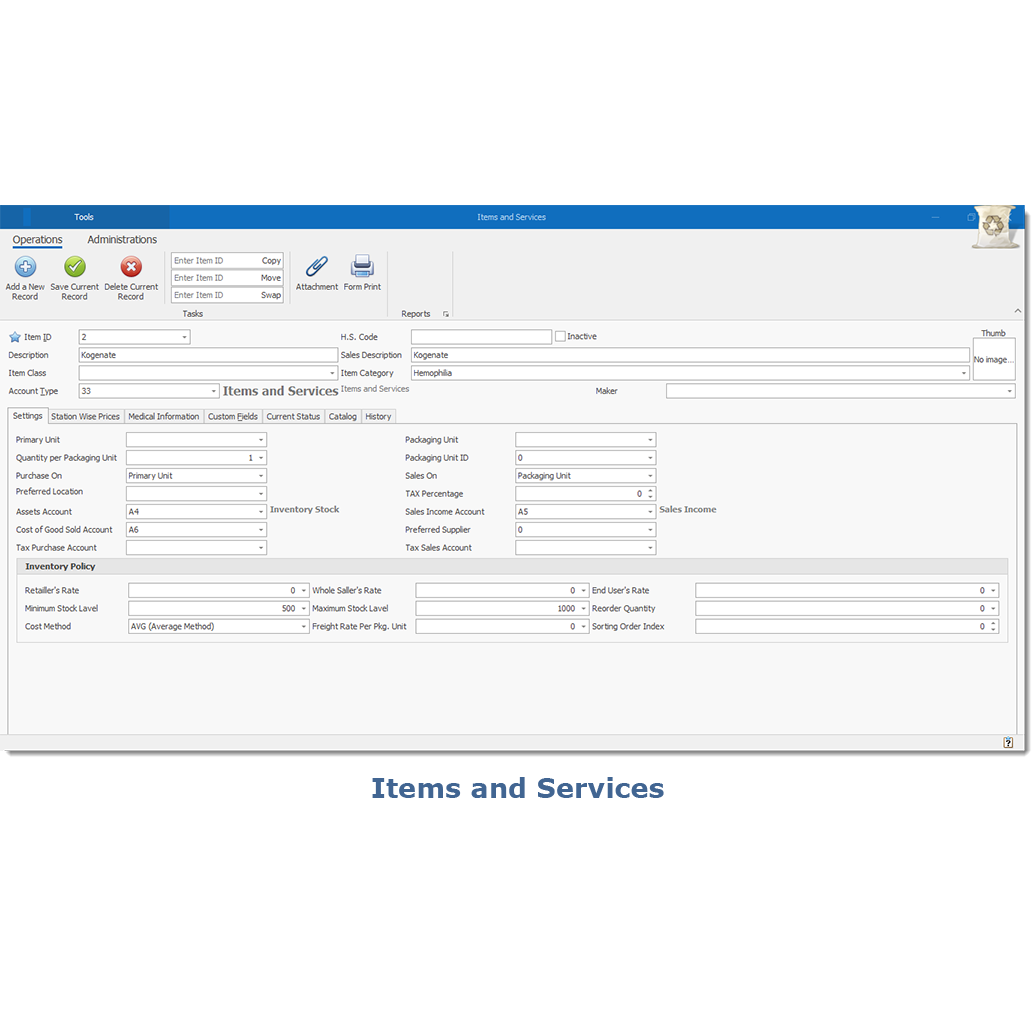
Status of item quantity in terms of on-hand, available, reserved, ordered, to order, rejected, defective, reorder and reworkable quantities.
Complete excise functionality and generation of excise registers
Multiple levels of classification of items
Quality Control based on QC parameters
Handling Material Rejections
Rejected Material dispatch to subcontractors
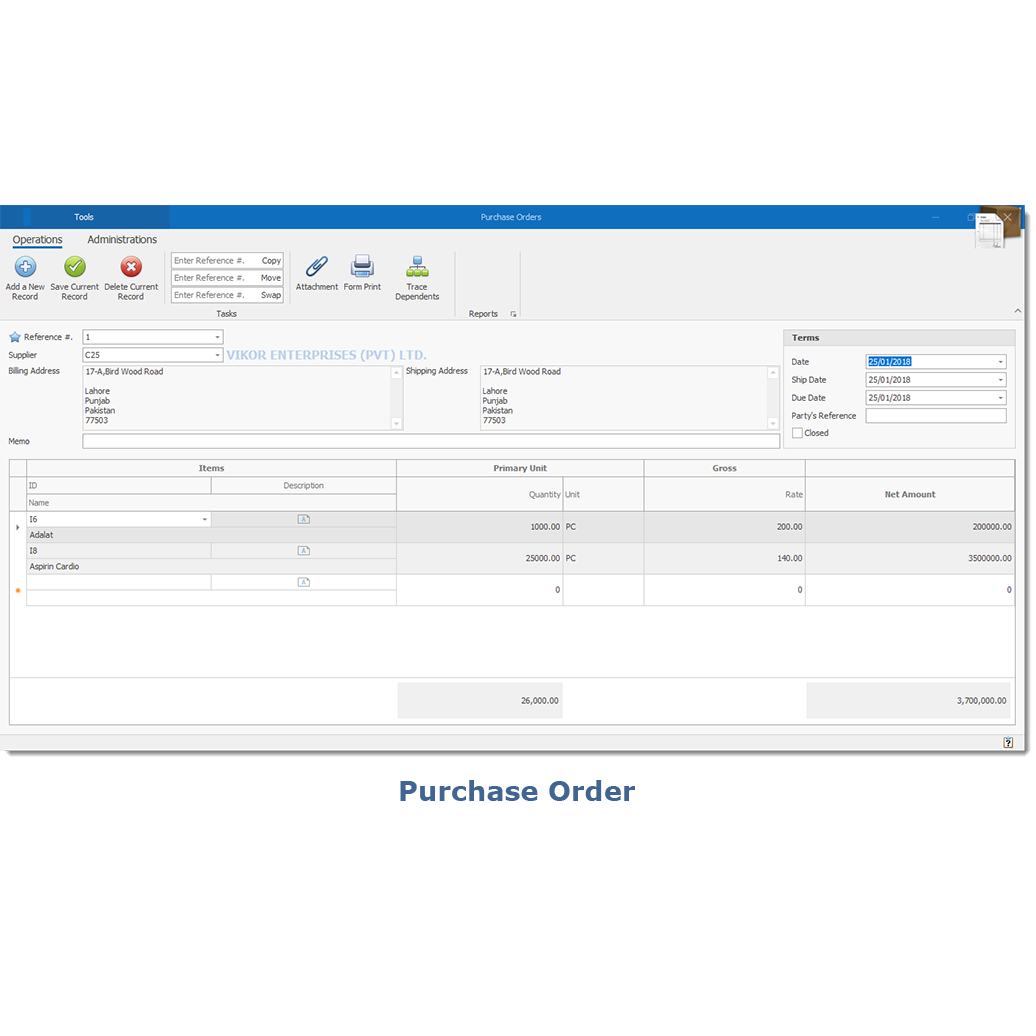
Linking of GRN to PO and Invoice
Gate pass – returnable/non-returnable
Cenvat claim for capital goods
The analysis which helps in maintaining optimum stock levels
Physical verification of stock
Reallocation of reworkable stock
Multiple warehouses/branches/regional offices
Stock transfer – receipts from other warehouses
Multiple units of measurement
Alternate items for Production Planning
Handling of non-stock low-value items like stationery
Lot wise tracking of inventory at shop floor and main stores
Stock Valuation – LIFO/FIFO/weighted average
Material Requisition from different requirement areas
Receiving material against sales order processing, material requirement, subcontracting, gate pass and production requisition